
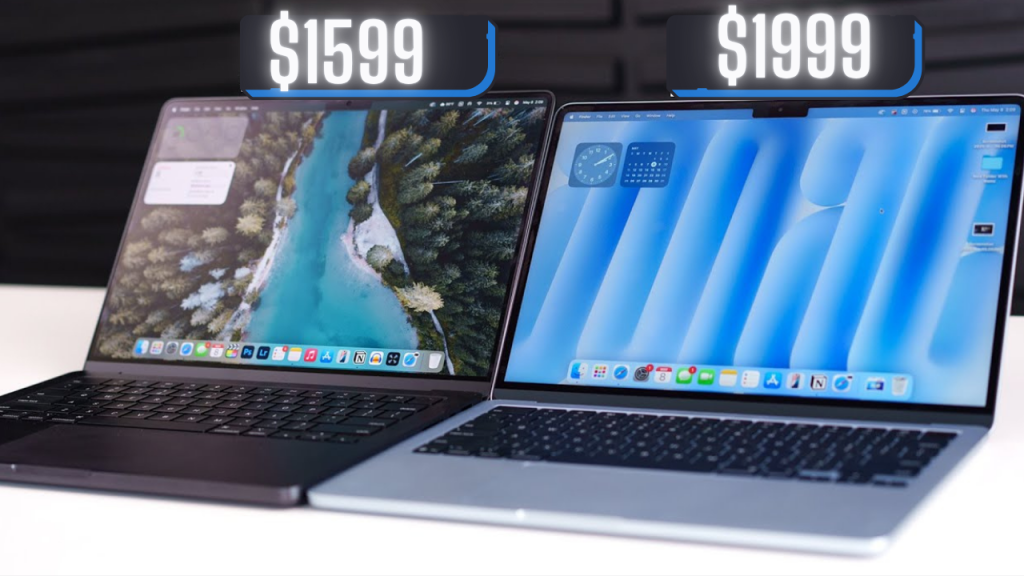
Yo 👋, thinking about grabbing the Apple M4 or M4 Pro MacBook in 2025? You’re not the only one scrolling through a million reviews, stuck trying to figure out which one’s actually worth your hard-earned cash 💸.
Most folks say the M4 Pro is the obvious choice — but hold up ✋, don’t throw your money at the Pro just yet (and thanks me later 😉). I’m here to give you the real talk on what’s worth it and what’s just hype.
Part 2: What’s the Same (And Why It Actually Slaps)
Before Apple starts flexing on you with chip specs and fancy price tags, let’s cool down for a sec and talk about what’s surprisingly identical between the M4 and M4 Pro — because Apple didn’t hold back on the base model. 💪
If you think the M4 is the “little bro” here — nah, this dude showed up in the same fit, same shoes, same energy. You’re not settling. You’re just being smart.
💻 They’re Basically Twins
Close your eyes and hold them side by side… you won’t even know who’s who. Same aluminum unibody. Same clean lines. Same premium Apple vibe. It’s like showing up to the party wearing the same outfit as the rich kid — and nobody can tell the difference. 😎
🎹 Keyboard and Trackpad: Identical Sauce
Whether you’re typing your next essay or rage-clicking through emails — same exact keyboard and trackpad. Tactile, responsive, smooth. No upgrade needed, no downgrade happening.
🎥 Webcam & Mic Setup: Zoom-Ready
Both got that 1080p FaceTime HD camera + triple mic system Apple brags about.
Studio quality? Maybe not your studio, but your boss or your crush will still hear you crystal clear. 📸🎙️
🔊 Speakers? Bangers on Both
You like loud? Clean? Bassy?
Same fire speaker setup. Play “Travis” or “Taylor” — both slap just as hard.
There’s no “oh the Pro sounds better” — cap. 🔊🔥
📺 Displays So Good It’s Offensive
Apple straight up said: “You know that $5,000 Pro Display XDR we sell? Let’s give you better than that on both these laptops.”
And they did.
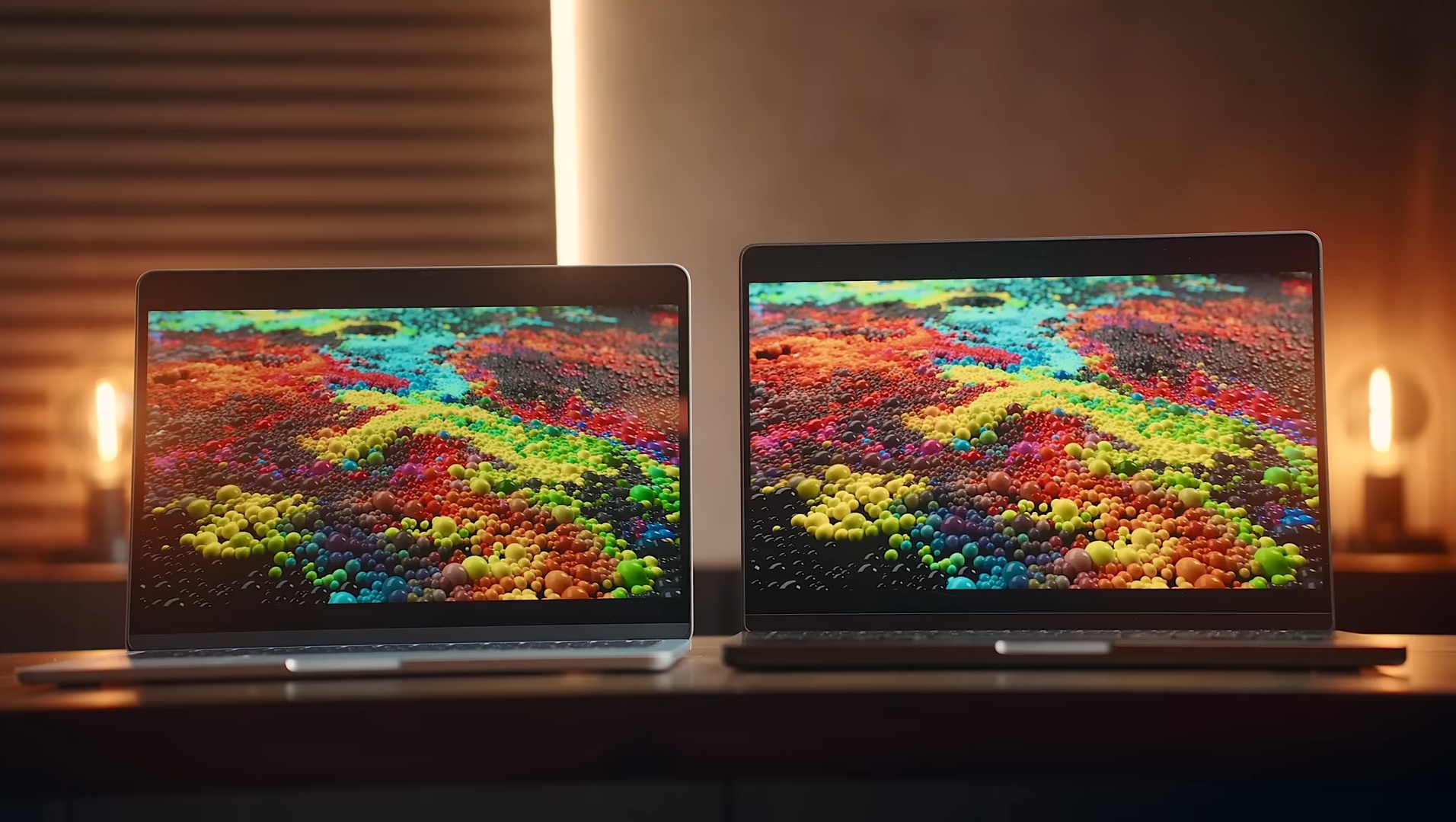
- 120Hz ProMotion
- Super Retina XDR
- Up to 1,600 nits HDR
Basically, it’s brighter than your future. 🌞
M4 and M4 Pro look exactly the same. No flex advantage here. It’s a tie — and that’s a W for your wallet. 🤑
🔌 Ports Are Copy-Paste
MagSafe. HDMI 2.1. SD Card slot. Headphone jack. Triple Thunderbolt.
Here’s the twist — the M4 has Thunderbolt 4. The Pro has Thunderbolt 5.
“But bro, 5 is better than 4!”
Only if you know what it does. Most people don’t.
If you’re not pushing external 8K displays or editing Marvel movies off an SSD the size of a brick — you’ll never notice. 💁♂️
🧠 Apple Intelligence? Yep, Both Got It
Same Neural Engine. Same AI magic.
Whether you’re asking Siri to summarize your 1,000 unread emails or fixing your blurry pics — both M4 and M4 Pro got you.
💥 Bottom Line:
Apple didn’t slap a cheap sticker on the base M4 — this thing’s rocking flagship-level hardware without charging you like a baller.
So if you thought the M4 was the broke cousin, think again — it’s the cousin who shows up looking exactly like the rich one but with better spending habits. 💸
But yo, if you’re drooling over that Pro just because it sounds “fancier,” hold up. The real question is… what’s actually different?
Get ready, because Part 3 is where we roast the truth and drop the bomb. Boom. 💣🔥
💥Part 3: The Real Differences — Is the M4 Pro Worth Your Cash?
Alright, now that we’ve squared up on what’s the same, let’s get into the juicy stuff — what actually sets the M4 and M4 Pro apart. Spoiler: it’s not as clear-cut as you might think.
💸 Price Tag
The M4 starts at about $1,600, while the M4 Pro kicks off around $2,000. That $400 difference might not sound like much, but when you’re dropping serious cash, every buck counts.
🧠 Performance — The Core of the Matter
The Pro flexes with more CPU and GPU cores, higher memory bandwidth, and better multitasking muscle. But here’s the kicker — single-core performance? Practically identical.
That means if you’re mostly doing everyday stuff — browsing, streaming, coding, even moderate video editing — the base M4 handles it just as smooth as the Pro.
Multi-core gains only really show up when you’re pushing heavy-duty apps that can use all that extra juice — like pro video editing, 3D rendering, or running complex simulations.
🔥 Real-World Use Case
Ask yourself: Are you the type who actually uses all those extra cores, or are you buying the Pro for bragging rights?
If your daily grind is Zoom calls, document editing, streaming Netflix, or casual gaming — the M4 is a beast that won’t leave you hanging.
⚡ RAM and Storage
The M4 starts with 16GB RAM, upgradeable to 24GB, and the Pro starts at 24GB. For most people, 16GB is plenty unless you’re running huge projects or multiple heavy apps.
Storage options are similar — 512GB base, upgradeable — so that’s not a dealbreaker either.
🖥️ Thunderbolt 5 vs 4 — Should You Care?
The Pro’s Thunderbolt 5 is technically faster, supports newer tech, and is more future-proof. But unless you’re using ultra-high-speed external drives or multiple 8K monitors, you’ll probably never notice the difference.
🔊 Battery Life and Heat
Both laptops run cool and last long under typical loads. The Pro might get warmer and use more juice when pushed hard, but for daily users, it’s negligible.
💣 Bottom Line:
The M4 Pro is a power user’s dream — but if you’re not pushing your MacBook to the absolute limit, you’re basically paying extra for specs you won’t fully use.
The base M4 offers insane value and pro-level performance for everyday users, students, creatives, and casual pros alike.
So, unless you’re a hardcore creator or power user, save that $400
🎯 Final Pro Tip
💸 If you’re asking “Do I need the Pro?” — you probably don’t.
The base M4 is stupid fast, future-ready, and way smarter for your wallet. Don’t let the “Pro” badge play your pockets.